CarX Street on PC: Windows 10/11 Optimized Guide (No Lag)
CarX Street is famous for its amazing graphics and open-world racing, but let's be honest—it's a very heavy game. While it's designed for mobile, many gamers prefer playing it on a PC to enjoy the map on a bigger screen and use a keyboard or controller for better drift control.
In this guide, I will show you how to download and play CarX Street on PC (Windows 10/11). I'll also share the exact settings you need to make sure the game runs smoothly without any annoying lag or crashes.
Quick answer
If your carx street apk feels too laggy, I show you how I play CarX Street on PC (Windows 10/11) using BlueStacks or LDPlayer with smoother settings.
- Version: CarX Street v1.18.0 (2026 (latest May patch)).
- Platform: Primarily Android; hub & downloads: homepage, device checks: compatibility list.
- Regions: English guides for a global audience; performance tips often help India / SEA / LATAM on 4GB RAM & Snapdragon phones.
Last updated:
Why Play CarX Street on PC?
Playing on a computer isn't just about the bigger screen. Here is why most pro racers are switching to PC:
-
Better Control: Drifting with a keyboard or a gaming controller is much more precise. For the best setup, check our Ultimate CarX Street Drift Tuning Guide to match your PC controls with car physics.
-
No Battery Drain: You don't have to worry about your phone overheating or your battery dying during a long race.
-
High FPS: If you have a decent PC, you can play at 60 FPS or higher, making the physics feel much more realistic than on most mobile devices.

Best Android Emulators for CarX Street in 2026
Since there isn't an official "PC version" of the game yet, we use an Android Emulator. After testing several options, these two are the best for CarX Street:
BlueStacks 5 (Pie 64-bit)
Very stable and has the best graphics support for the new updates.
LDPlayer 9
This is the fastest option if you have a mid-range or budget PC.
If you are wondering how this game stacks up against other PC-level racers, read our CarX Street vs Racing Master 2026 comparison.
How to Install CarX Street on PC (Step-by-Step)
Follow these simple steps to get the game running today:
Step 1: Download and Install an Emulator
Go to the official website of BlueStacks or LDPlayer and download the latest version.
Step 2: Set Up Your Google Account
Once the emulator opens, sign in with your Google Play Store account.
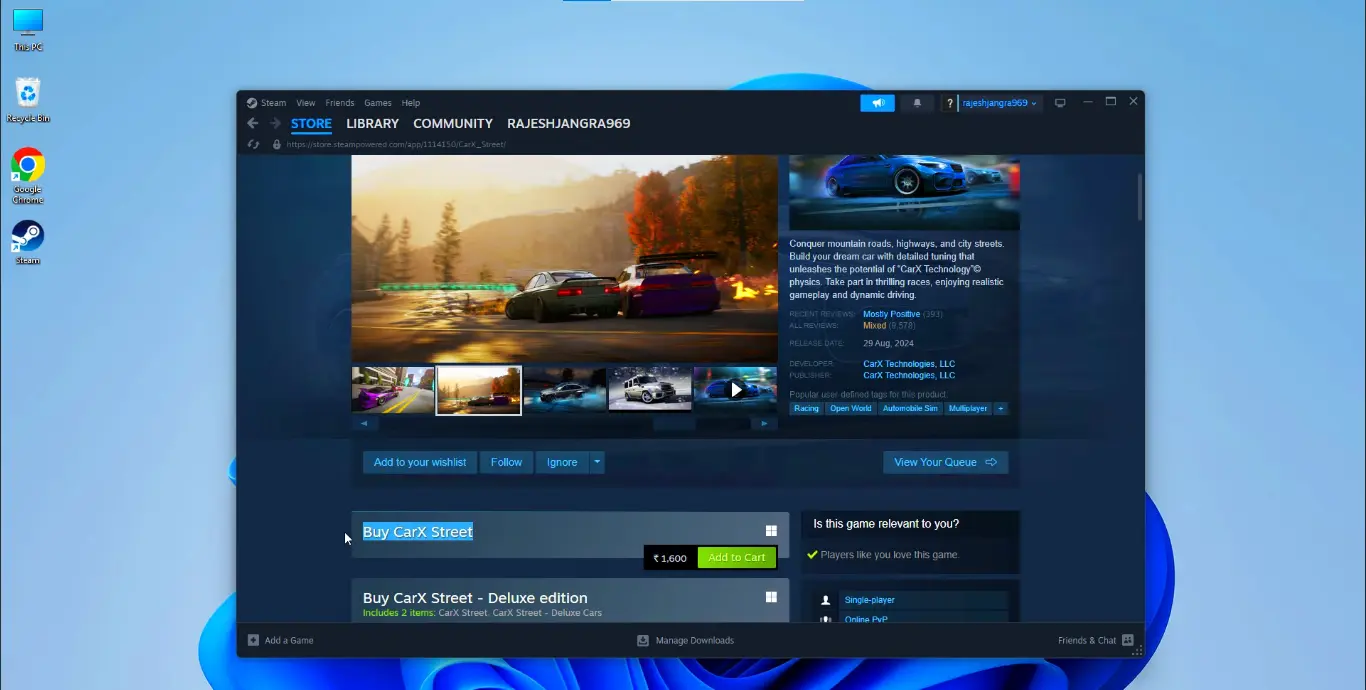
Step 3: Install CarX Street
You have two options here:
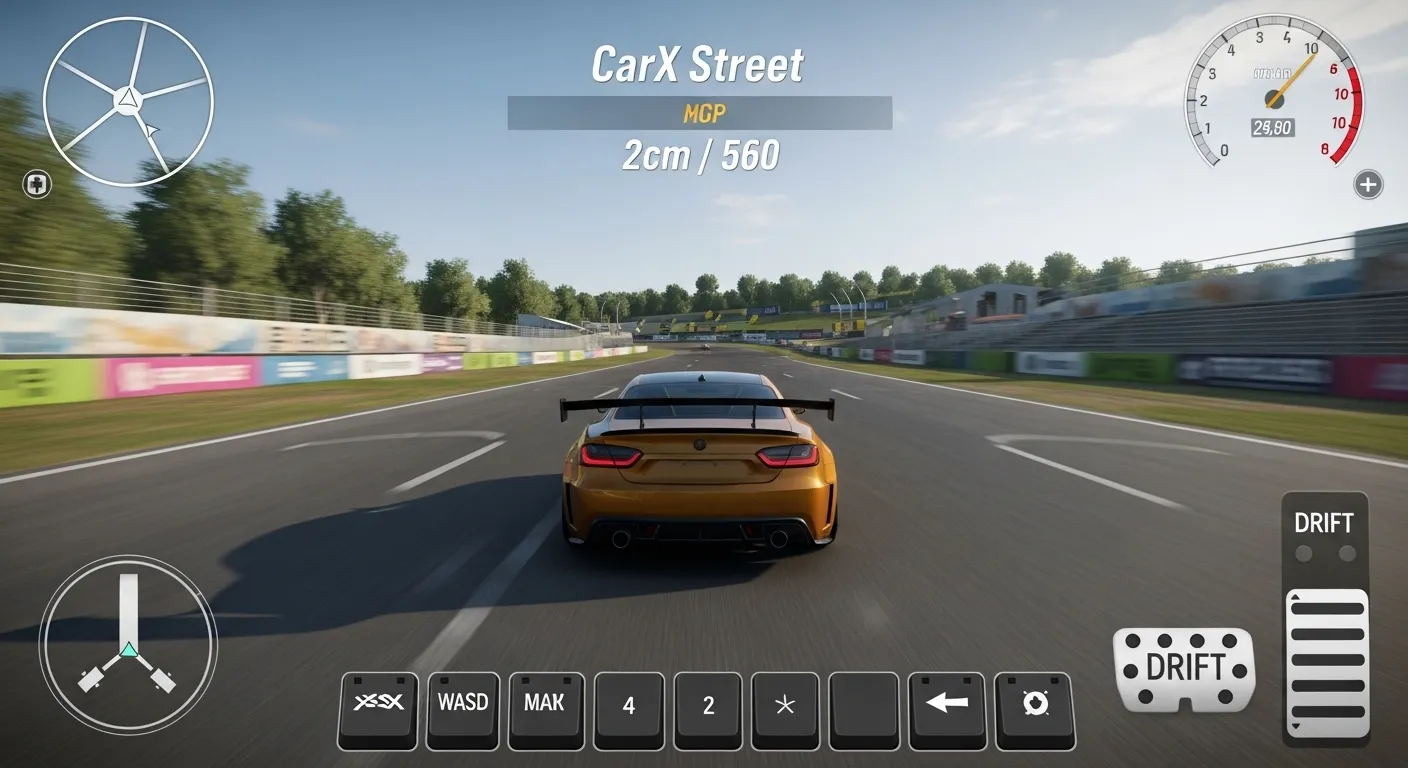
Step 4: Map Your Controls
Open the game and set your "WASD" keys for driving. If you want to see which cars are worth your time on PC, check our list of the Top 10 Best Drift Cars in CarX Street 2026.
How to Fix Lag and Boost FPS on PC
Even on PC, you might face some performance issues. If your emulator feels slow, you should also look at our CarX Street Lag Fix for 4GB RAM Devices for general optimization tips. For device-specific compatibility information, check our device compatibility guide.
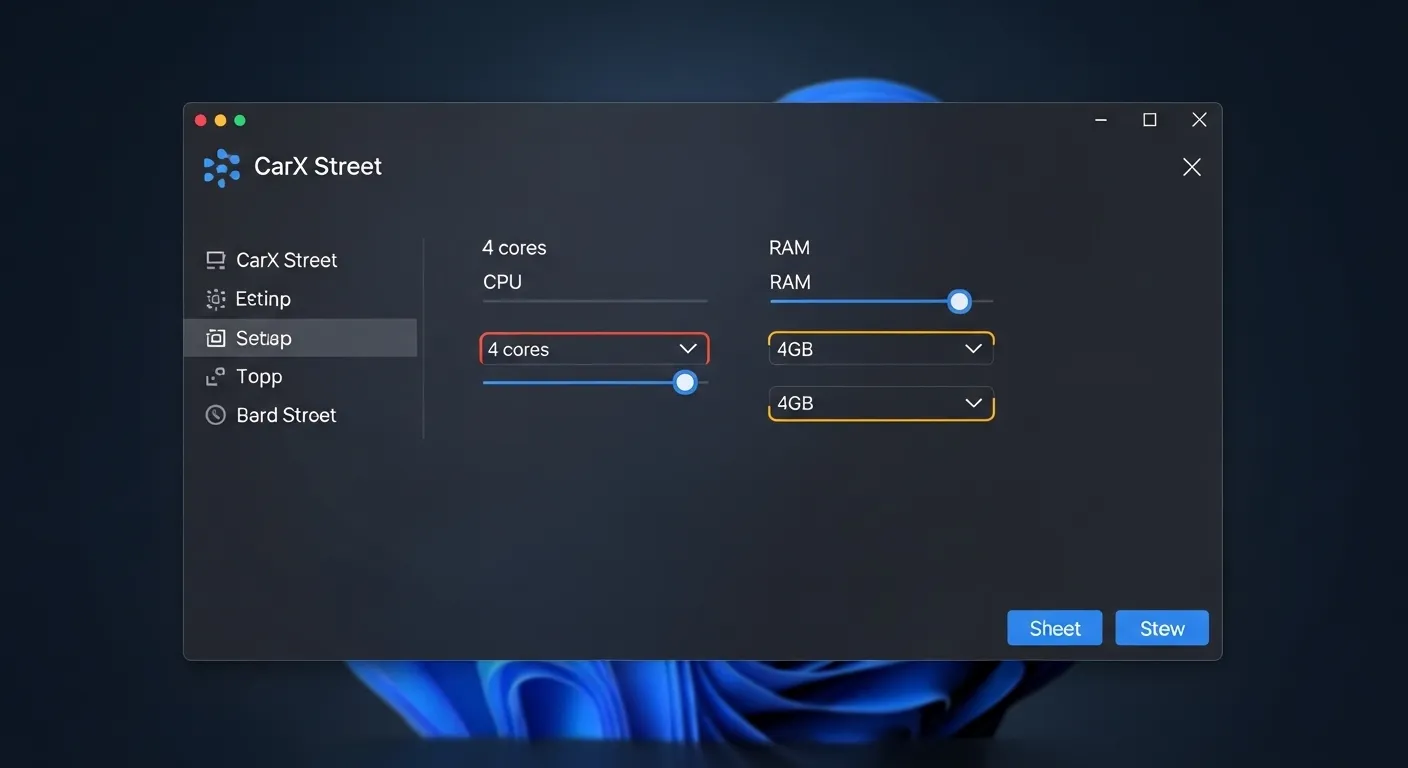
Emulator Settings
-
CPU Allocation: Set this to "4 Cores".
-
Memory Allocation: Set this to "4GB" or more.
-
Graphics Engine: Use Vulkan for the best results with the latest CarX Street 2026 Update News features.
Video Tutorial: Technical PC Setup & Tuning Guide
Common PC Issues and Solutions
Game Won't Start
This is often a virtualization issue. If you're still stuck, our guide on Fixing CarX Street Black Screen & Loading Errors has more detailed solutions.
Download Failed Error
If the emulator says it can't download data, follow our How to Bypass Download Failed Error guide.
OBB Issues
Sometimes manual file moving is needed. Check the CarX Street OBB Manual Installation Guide for the exact folder paths.
Frequently Asked Questions (FAQs)
Conclusion
Playing CarX Street on PC is a whole different experience. The world of Sunset City looks beautiful on a monitor, and the racing is much more intense. Follow the steps above, and you'll be drifting like a pro in no time! Don't forget to download the CarX Street Mod APK for unlimited resources.